Link bio
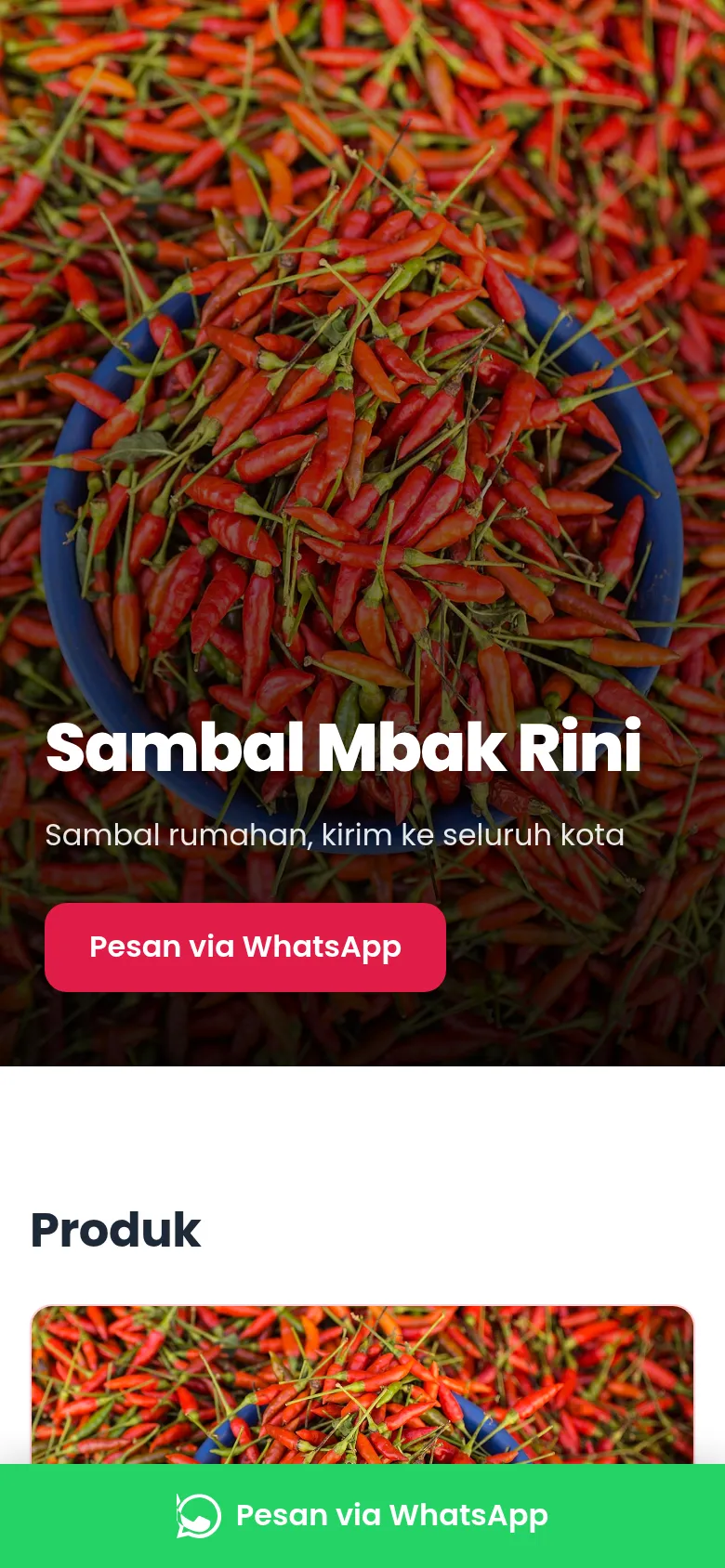
One page, one link — everything your customers need, behind the link in your Instagram or TikTok profile.
-
Live in minutes
Pick a design, add your links, go live. Your page opens at bio.tenavora.com/your-business.
-
Chat on WhatsApp in one tap
A WhatsApp button or a floating chat button with a ready-written message — customer questions land straight in your WhatsApp.
-
Product catalogue
Show products with a photo, price and button for each — point the buttons at your WhatsApp chat so visitors can order right away. No payment setup needed.
-
Grows into a website
Turn your link bio into a website with several pages any time. Old links and QR codes keep working, redirected automatically.
Menu & price list
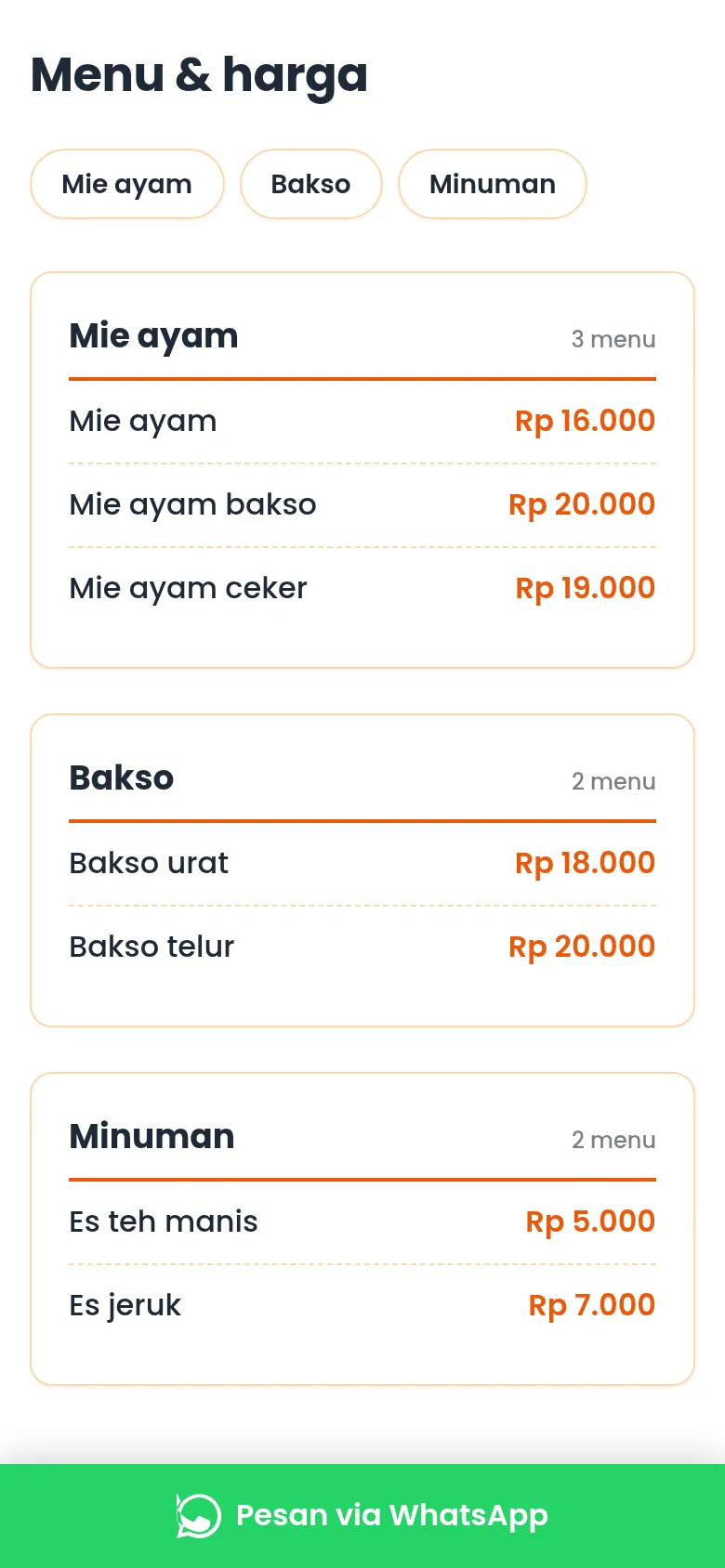
A tidy menu or list of services with clear prices, and an order button that opens straight into your WhatsApp.
-
Menu by category
Type one item per line: name, price, note. Customers see a tidy list by category with jump buttons.
-
Prices Google can read
Your menu is sent to Google as menu data, not just text.
-
Order with a ready-written message
The order button opens your WhatsApp with an opening line already filled in.
-
A number that's easy to read
Your number shows as +62 812-3456-7890 and the address carries a map-pin icon.
Content Ideas
The answer to “what do I post this week?” for your business category, in the free trial too.
-
What to post this week
Moments (public holidays, payday, Harbolnas) and lasting trends for your business category, refreshed every morning.
-
7-day plan
One post idea per day, complete with format, opening line and hashtags.
-
Check keywords and market prices
Search interest over the last 12 months, and the price range of similar products on marketplaces.
-
Monday-morning summary
A weekly email, if you switch it on.
Website with several pages
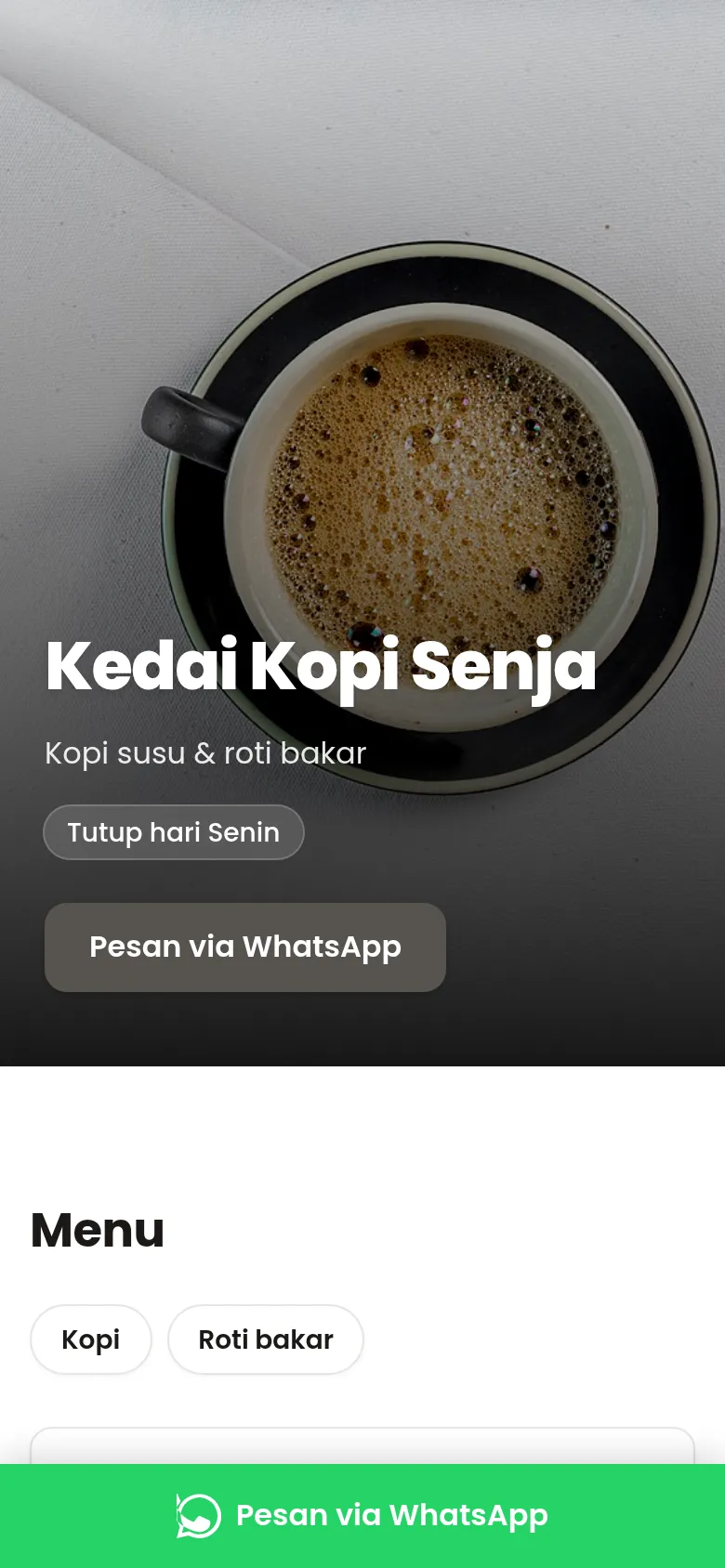
A tidy business website — home, services, gallery, contact — without paying a programmer or renting hosting.
-
As many pages as you need
Add and reorder pages. Each page gets its own address under sites.tenavora.com/your-business.
-
Menus at the top and bottom
The same menu on every page keeps the website neat and makes it easy for visitors to move around.
-
Map, FAQ & testimonials
Show your location, answer common questions and display what customers say — the sections a local business really needs.
-
Looks right on every phone
Every design is made for phone screens first — most visitors arrive from WhatsApp or social media anyway.
Designs & page sections
31 ready-made designs and 22 kinds of page sections (blocks), so you start from something good instead of a blank page.
-
31 ready-made designs
14 link-bio designs (creators, shops, cafés & food, salons & beauty, digital business cards…) and 17 website designs (restaurants, clinics, portfolios, weddings & events…).
-
Just move things around
Big headlines, text, images, galleries, buttons, videos, price lists, promo countdowns and more — move them to set the order and see the result straight away.
-
Digital business card
A 'Save contact' button puts your number, email and address straight into the visitor's phone.
-
Social links & contact
Icons for Instagram, TikTok, Facebook, YouTube and more, plus a contact section with your phone, email and address.
Design & your own look
Make it yours in a few clicks — no designer needed.
-
Colours & fonts
Choose colours, a font and a button style once; the whole page follows.
-
Your logo and photos
Upload your own photos for the top of the page, the gallery and your products so the page feels like your business.
-
Copy a site and experiment
Copy your site to try a new look without touching the live one, then put it live in one click — same address and QR code.
Going live & security
Go live when you're ready, share privately when you need to, and be easy to find on Google.
-
Live now or on a schedule
Go live right away, or set a time for a launch or promo — the page changes over on its own, right on time. Scheduling comes with the Business Plan.
-
Lock with a password
Put a password on a published site so only people you give it to can open it — handy for showing a client or a page that isn't ready for everyone.
-
Easy to find on Google
Set the title and description shown on Google and when the link is shared, or hide a page from Google when needed; tidy link addresses come automatically.
-
A platform that's looked after
Live pages are checked automatically for banned content such as online gambling, scams and phishing, and blocked at once when they match; visitors can report a page from its footer.
Visitor reports & reviews
Know what works, and get more customers to vouch for you.
-
Daily visits
See how many people open each site per day — and whether that promo or post really brought visitors.
-
What gets clicked most
Find out which link, button or product is tapped most often, then move your best sellers to the top.
-
Ask customers for a review
Add a button that opens your Google review page, or print its QR code. More reviews make new customers trust you sooner — and help you show up on Google Maps.
-
Your Google reviews in one place
Link your business once. Its Google reviews are read every day, the ones still waiting for a reply come first.
-
Reply drafts, written for you
Pick a tone and a reply to the review is drafted for you — written by AI on the Business Plan. Copy it, paste it into Google Maps, done.
-
See where you stand
Your rating and review count next to similar businesses in your city — and what their customers praise and complain about.
Account
Sign in the way you like and keep the account safe.
-
Sign in with an account you already have
Sign in with Google or with email and password.
-
An extra security code
Protect the account with a code from an app on your phone, a code by email, or your fingerprint or face (passkey).
-
Free trial
Try it with one site and limited features for 14 days, no card needed. To keep going, choose the Business Plan — paid once a year.
Ready to take your business online?
Try it free for 14 days with one site, then keep going on the Business Plan — paid once a year.